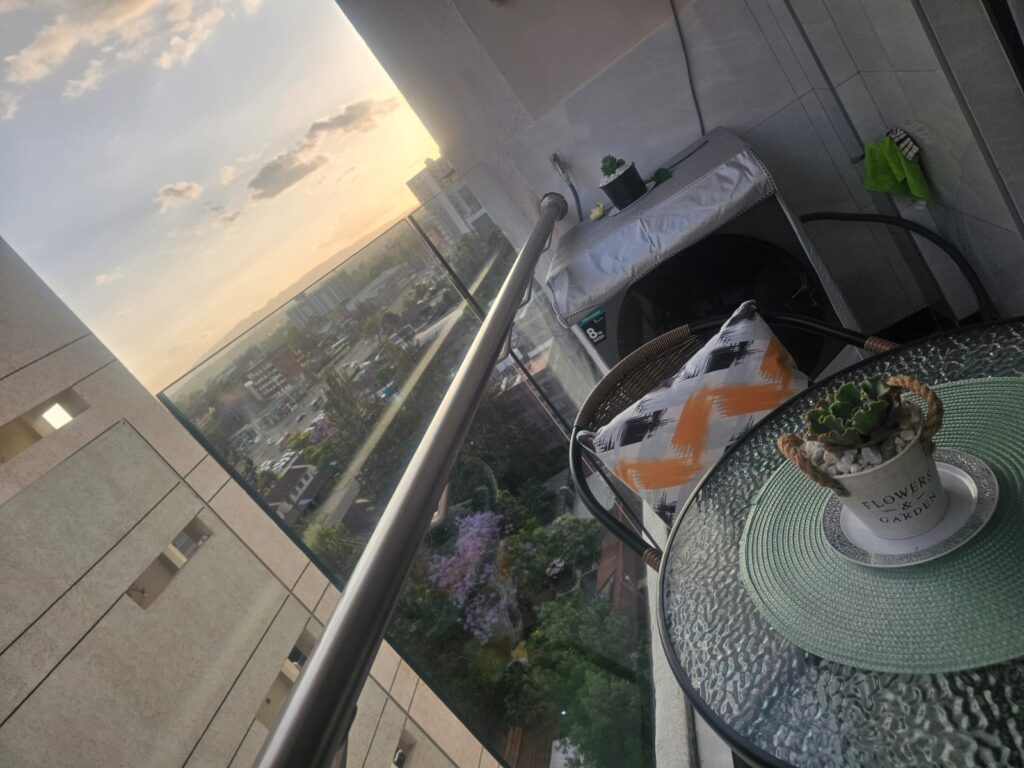
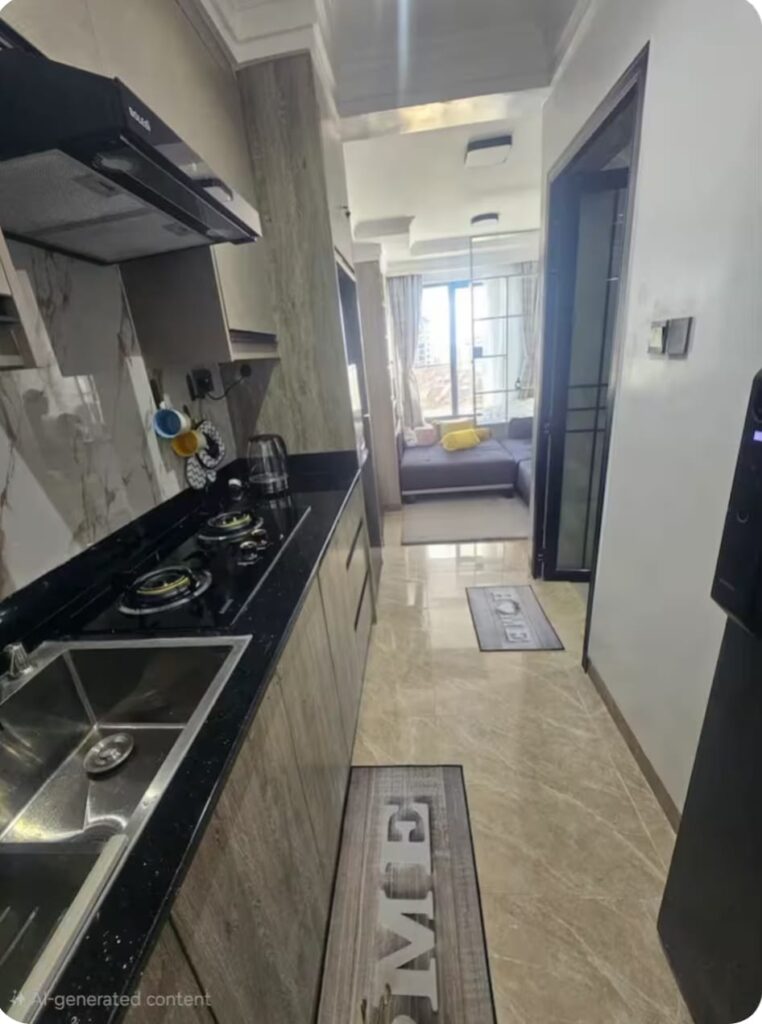
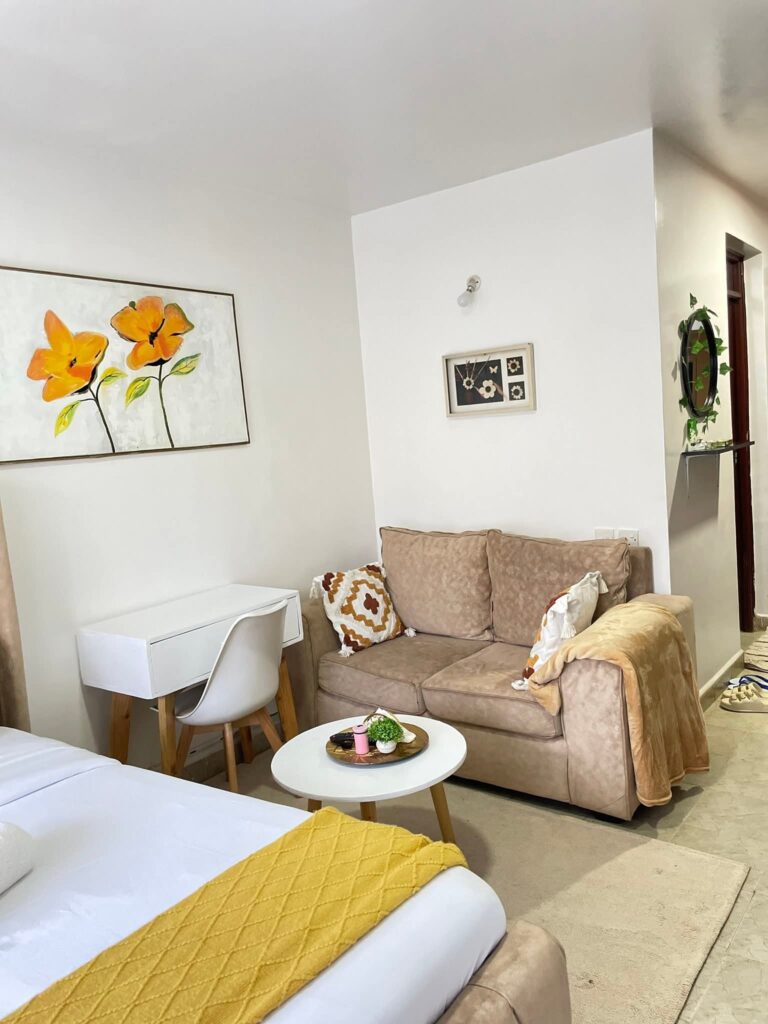
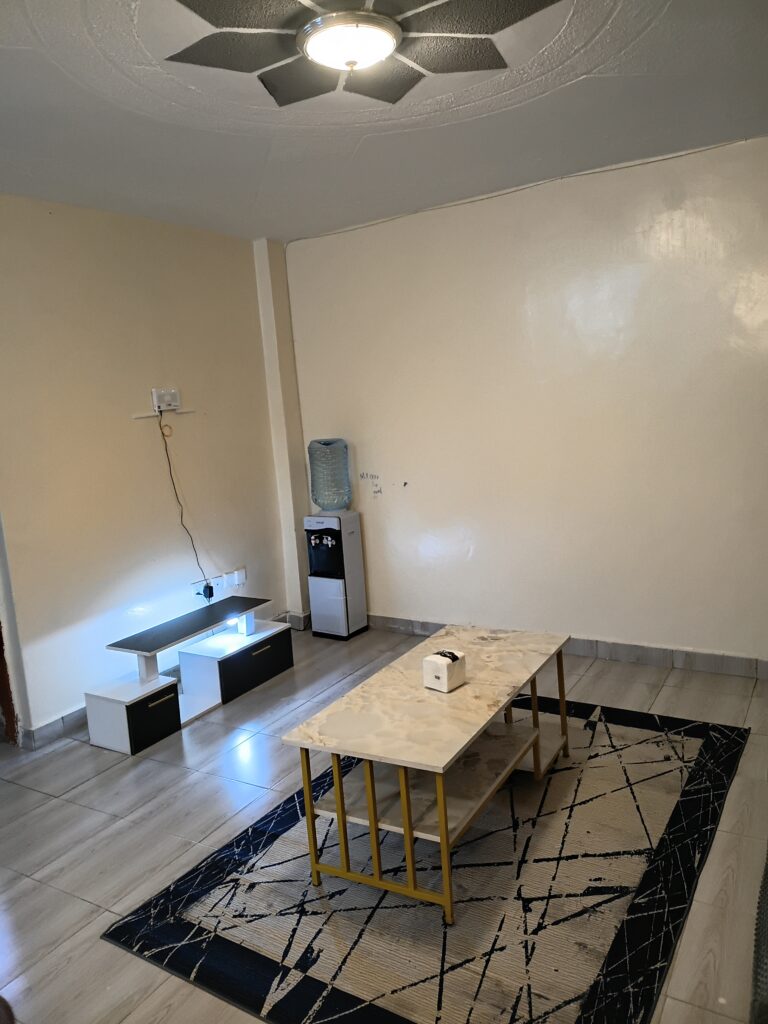
Discover BnBs, short stays and serviced apartments across Nairobi
and Kenya. Find available properties, connect directly with hosts
and confirm your stay before making your accommodation payment.
List your BnB, short stay or serviced apartment on PataStay,
manage available dates, connect with guests across Kenya and
receive accommodation payments directly.
Start with one property for freeNo monthly payment is required for your first listing.
Manage AvailabilityUpdate available, occupied and blocked dates.
Connect with GuestsReceive enquiries from guests searching for stays in your area.
Get Paid DirectlyGuests pay accommodation charges directly to you.
You remain in control of your pricing, availability and guest
communication.
Your PropertyReady to welcome guests
Live
AvailabilityManage dates
Guest enquiriesView contacts
Free ListingStart with one property
Direct PaymentsGuests pay you directly
Host DashboardManage your property
Your ListingsAdd, update or pause properties
Availability CalendarControl available and occupied dates
Guest UnlocksView interested guests and selected dates
Before accommodation paymentConfirm the property with the host
Contact the HostConfirm availability and selected dates.
Pay the Host DirectlyAfter confirming the property and dates.
A stay that feels like home
Book with Confidence
Confirm the Property Before Paying
PataStay helps you find BnBs, short stays and serviced apartments
across Kenya and connect directly with hosts. After unlocking the
host’s details, confirm the property, exact location and selected
dates before making your accommodation payment.
Confirm Your Dates
Ask the host to confirm that the property is available for
your intended check-in and checkout dates.
Verify the Property
Request updated photographs, a video tour or any additional
property information you need before confirming your stay.
Confirm the Location
Get clear directions and confirm the building, property or
agreed meeting point directly with the host.
Pay the Host Directly
Agree on the accommodation price and payment method directly
with the host after confirming the property and your dates.
PataStay charges only an access and connection fee.
Accommodation payments are made directly to the host after you
confirm the property, location and selected dates.
Explore BnBs, short stays and serviced apartments across Kenya.
Browse popular counties and emerging destinations to find accommodation
for business trips, weekend stays, family visits, holidays and longer stays.
Discover Accommodation in More Kenyan Destinations
PataStay makes it easier to explore accommodation beyond Nairobi.
Whether you are travelling for work, visiting family, planning a
weekend away or looking for a convenient place to stay, you can
explore BnBs, short stays and serviced apartments in destinations
across Kenya.
From major cities such as Mombasa, Kisumu, Nakuru and Eldoret to
coastal destinations, Central Kenya, Western Kenya and the Rift
Valley, PataStay brings different locations together so guests can
discover stays and connect directly with hosts.
Explore More Locations
Browse accommodation options across cities, towns,
coastal destinations and emerging stay locations in Kenya.
Connect With Hosts
Find a suitable stay, unlock the host's contact details
and confirm availability directly before accommodation payment.
Different Stays for Different Trips
Explore BnBs, short stays and serviced apartments for
overnight visits, work trips, holidays and longer stays.
More destinations are being added as PataStay grows across Kenya.
Learn how to find a BnB, unlock host details, confirm availability,
make accommodation payments and list your property on PataStay.
01
Guests and Stays
Finding and choosing a suitable place to stay.
What is PataStay?
PataStay is a Kenyan property-discovery platform that helps
guests find BnBs, furnished apartments and holiday homes and
connect directly with property hosts.
What types of properties can I find on PataStay?
Guests can find BnBs, furnished apartments, holiday homes,
serviced apartments and other short-stay properties listed by
hosts and property managers.
Which locations does PataStay cover?
PataStay is launching with Nairobi and its neighbourhoods.
Additional Kenyan cities and areas will appear as they are
enabled and suitable properties become available.
Do I need an account to find a stay?
No host account is required to browse properties. When unlocking
host details, guests provide their name, phone number, email
address and intended stay dates.
Can I find day-use and overnight stays?
Yes. Hosts can indicate whether a property supports day-use,
overnight stays or both. Check the individual property details
and confirm the preferred arrangement with the host.
02
Unlocking and Payments
Access fees, host details and accommodation payments.
How does the property unlock work?
Select a property, enter your intended dates and guest details,
then pay the displayed PataStay access fee. After the payment is
verified, the protected host details are revealed.
What details are revealed after I unlock a property?
A successful unlock can reveal the host's phone number,
WhatsApp contact and the property's protected exact location,
allowing you to communicate directly with the host.
Does unlocking reserve the property?
No. Unlocking gives you access to the host's contact details. You
must contact the host immediately to confirm that the property
is still available for your selected dates.
What does the PataStay access fee cover?
The access fee covers the connection service that releases the
property's protected host contact details and exact location
after payment verification.
Does PataStay collect accommodation payments?
No. PataStay collects only the applicable access and connection
fee. Guests pay accommodation charges directly to the host after
confirming the property and selected dates.
03
Hosts and Listings
Adding, managing and promoting short-stay properties.
How can I list my BnB on PataStay?
Open the List Your BnB page, create a host account, choose the
appropriate plan and submit your property information,
photographs, location, prices and availability for review.
Can I start with one property for free?
Yes. The free host plan allows an eligible host to begin with
one property listing. Hosts managing additional properties can
upgrade to a larger listing package.
How do hosts update available dates?
Hosts use the availability calendar inside their PataStay
dashboard to mark dates as available, occupied or blocked and
should update the calendar whenever availability changes.
Who controls the accommodation price?
The host controls the property's accommodation price, accepted
payment method and stay conditions. PataStay displays the
information supplied by the host.
Can hosts edit or pause a property listing?
Yes. Hosts can use their dashboard to update property
information, change availability, replace photographs or pause
a listing when it should not appear to guests.
04
Safety and Support
Confirming properties and reporting suspicious activity.
What should I confirm before paying the host?
Confirm that the property exists, is available for your dates,
matches the listing information and that you understand the
accommodation cost, location and host's payment instructions.
How can I verify a property before travelling?
Ask the host for recent photographs, a video tour, clear
directions and any other information needed to confirm the
property before travelling or sending accommodation payment.
What if the property is unavailable after I unlock it?
Do not send accommodation payment. Contact PataStay support with
the property reference, selected dates and information received
from the host so the case can be reviewed.
What should I do if a listing looks suspicious?
Stop communicating or making payments and report the listing to
PataStay. Include the property reference, screenshots and a
description of the suspicious activity.
How can I contact PataStay support?
Use the Contact page or WhatsApp PataStay on 0796 108 210. When
contacting support about a property, include its property
reference and the phone number used during the unlock.

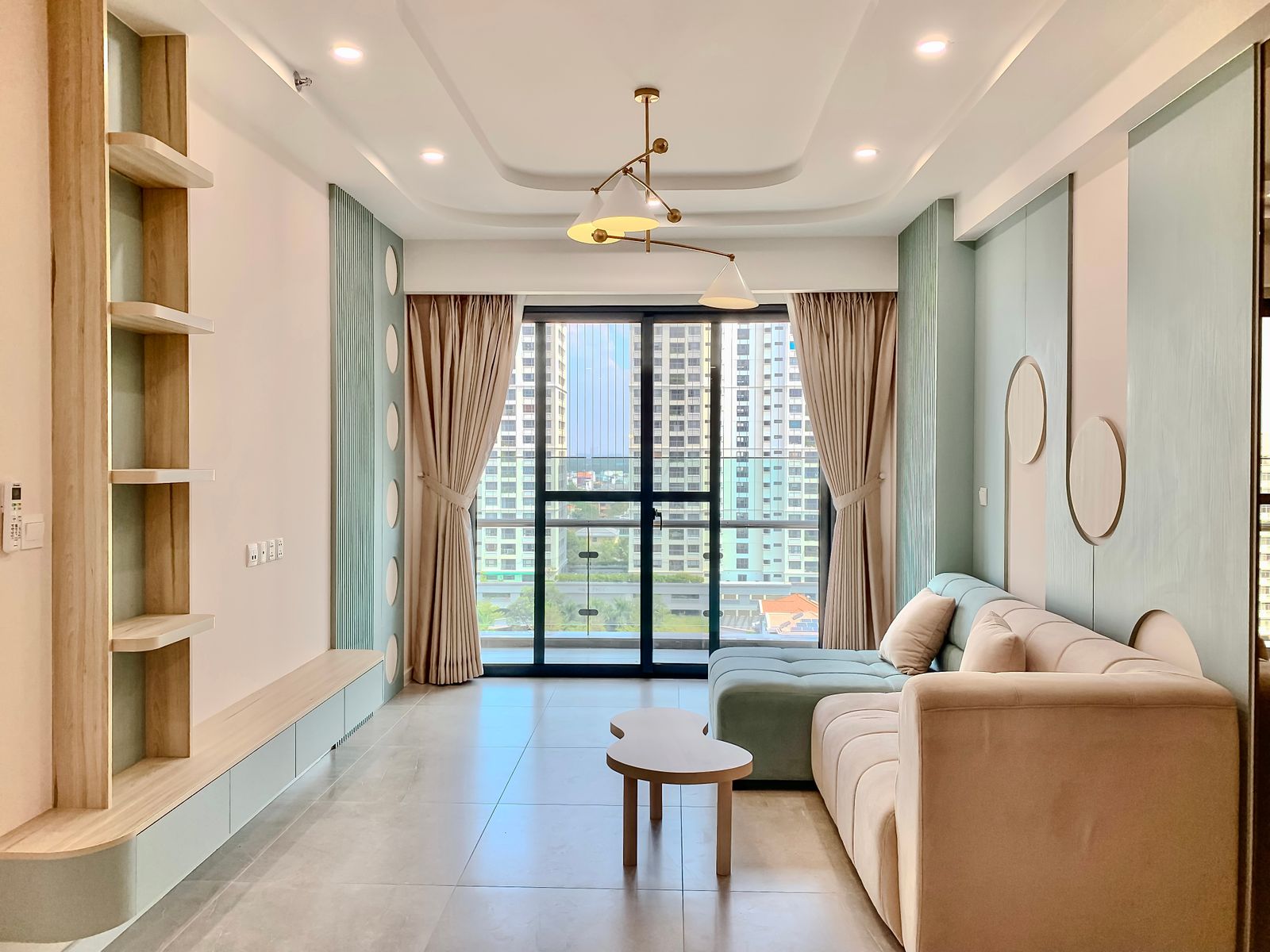
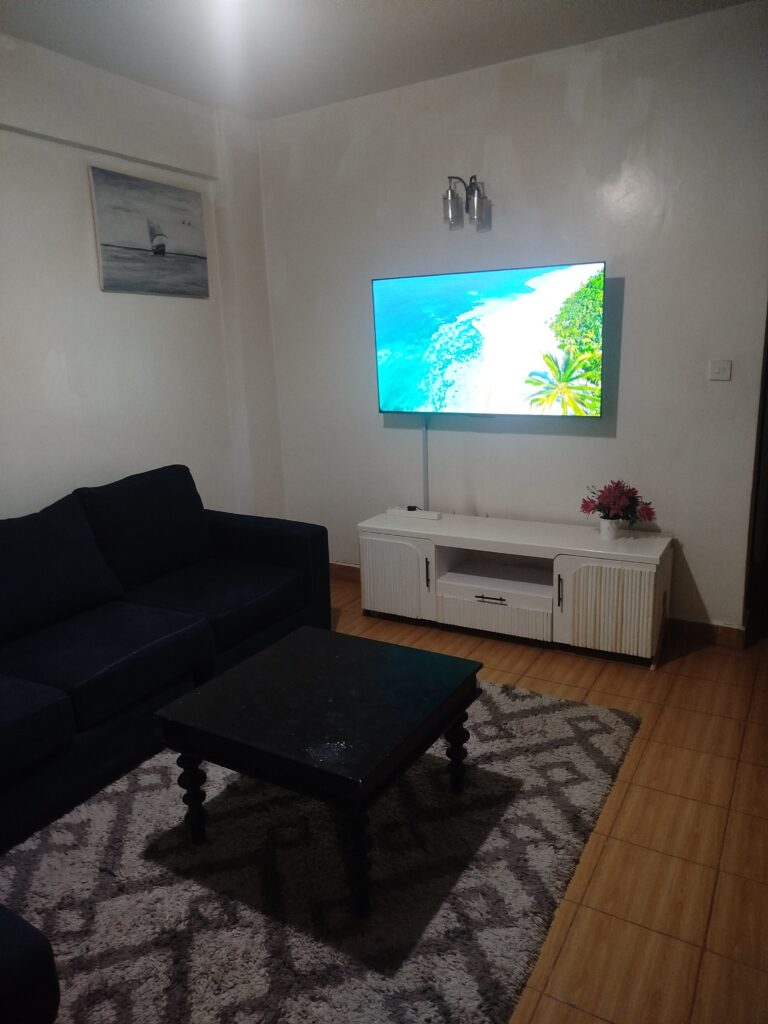 BnB
Featured Verified
Available
BnB
Featured Verified
Available